
Use Procreate to create preliminary scientific sketches — emphasizing creativity, observational skills, and iterative design.
Key points:
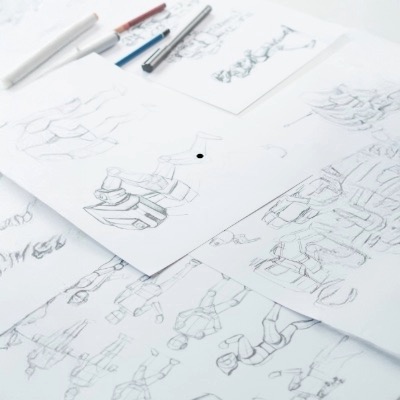
Preliminary sketches don’t need to be perfect—they’re about ideation.
Procreate is a flexible, intuitive drawing app.
Setting Up Your Canvas
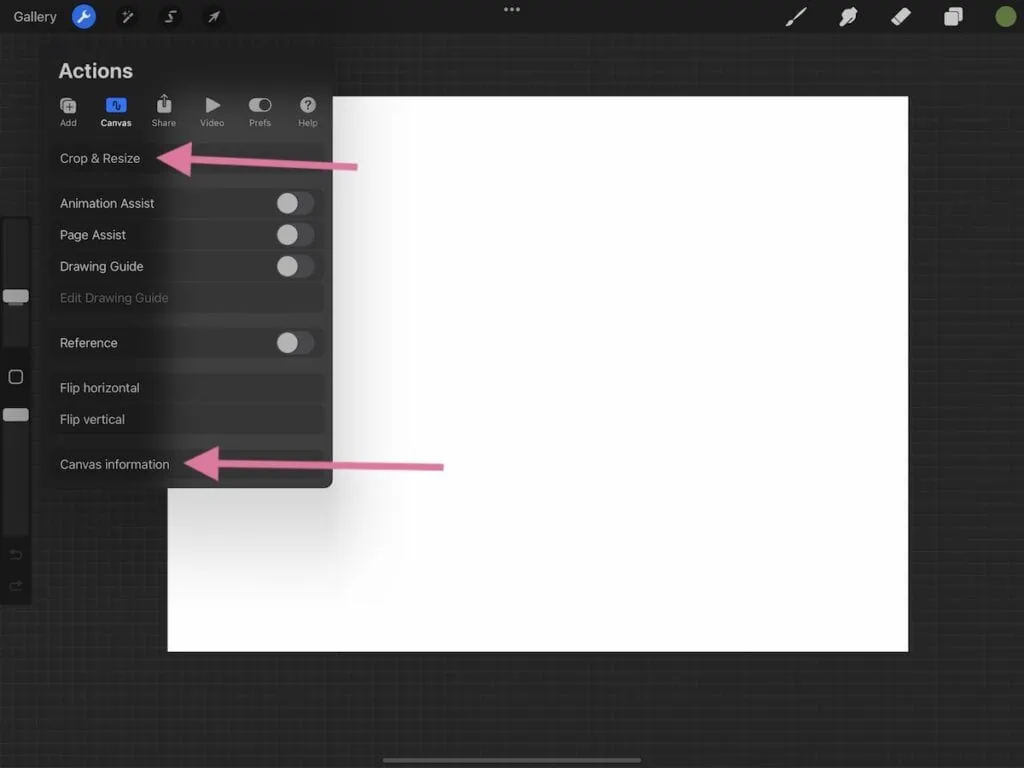
Open Procreate and create a new canvas (suggested: A4 or Screen Size).
Optional: Import reference images (e.g., microscope images, anatomy diagrams).
Start with Loose Strokes
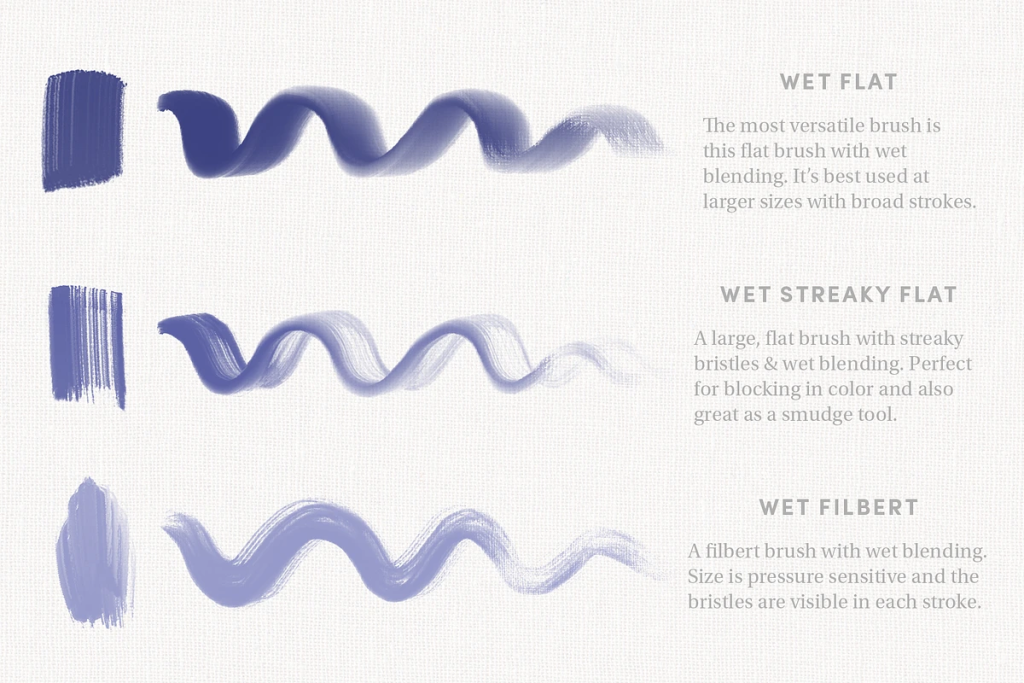
-Choose a pencil brush (e.g., 6B or HB Pencil).
Start sketching a subject (e.g., coral reef, bacteria, leaf structure).
Use loose, exploratory strokes:
“Don’t worry about precision right now—this stage is all about exploration.”
-Use multiple layers
Using References and Observational Techniques
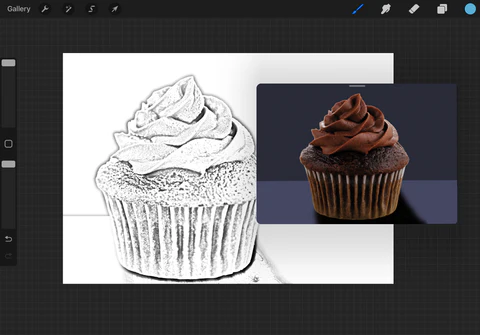
Import references into the Reference panel or on a side layer.
Observing shapes, patterns, structures in your subject:
“Look for the overall form, not just details. Break it down into basic shapes.”
Tip: Use symmetry guides or grid overlays to help proportion.
Building the Sketch
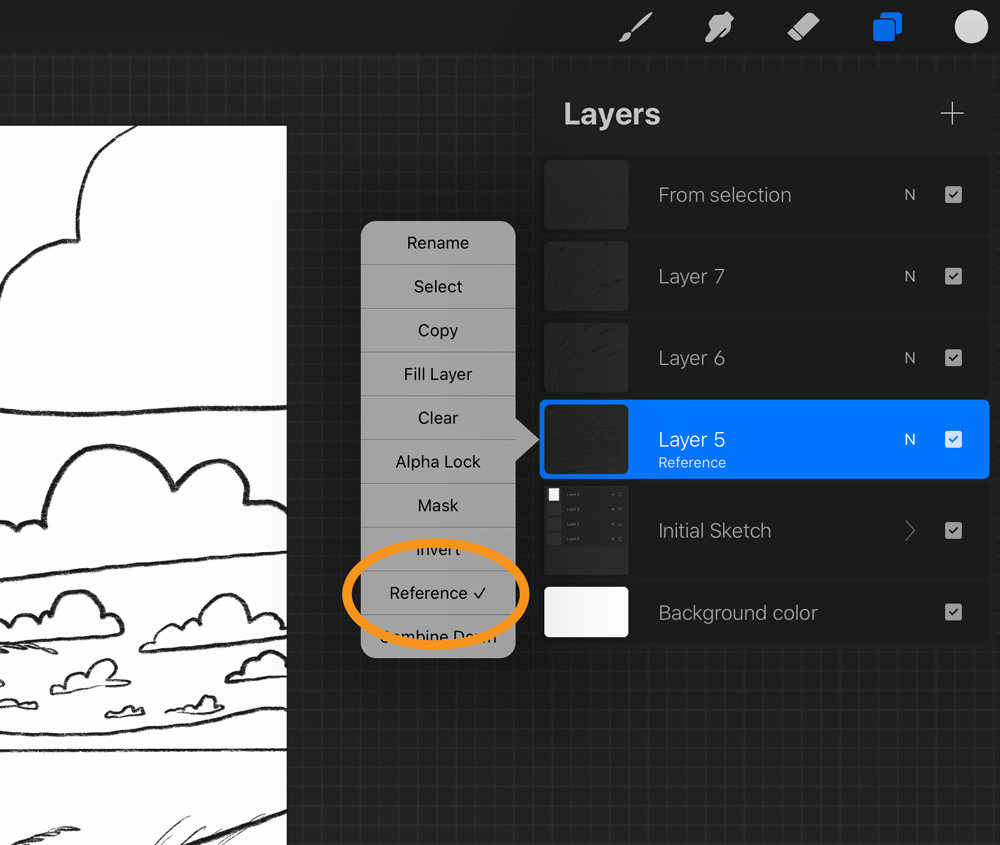
Continue refining the sketch slightly.
Use tools like:
- Eraser (Soft or Hard)
- QuickShape (for geometric elements)
- Opacity slider (to fade previous layers for tracing)
“This is still a flexible phase—adjust proportions, try different perspectives.”
Quick Enhancements

Add a new layer and lightly shade or color areas to separate features.
Save multiple versions or duplicating layers.
Label parts with simple text (if applicable).
Export as PNG, PSD, or JPEG for use in presentations or publications.
“Even a rough sketch can powerfully support a scientific story.”